Fixing Automatic Rotation on a Lenovo Yoga 7 2-in-1 with Fedora
I worked through this debugging session with OpenAI’s GPT-6 Sol, using it to investigate the things I didn’t know as I went.
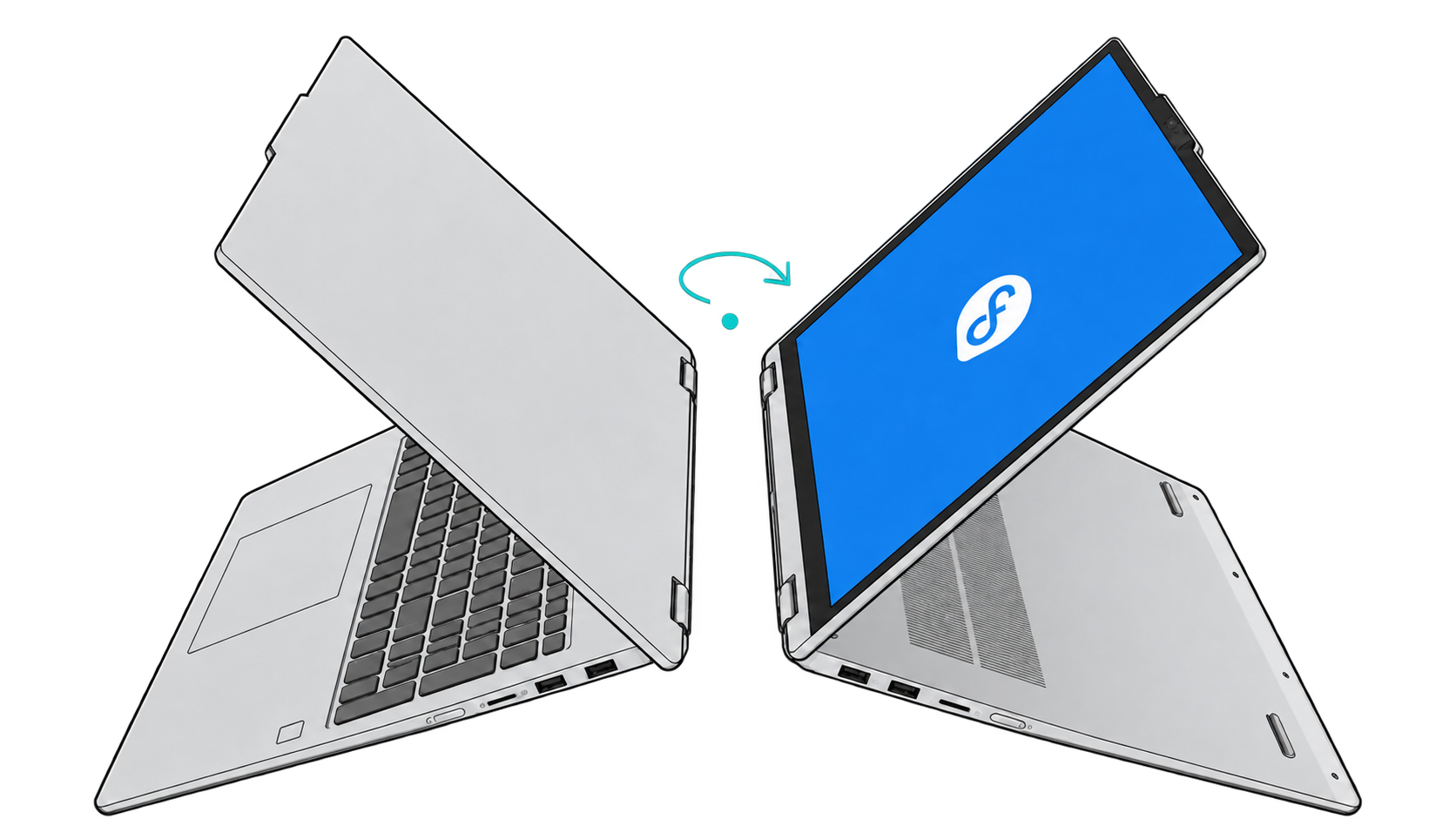
Fedora 44 couldn’t detect the accelerometer in my Lenovo Yoga 7 2-in-1 14ILL10 (83JQ), so automatic rotation didn’t work. The Intel Integrated Sensor Hub (ISH) loader failed on generic firmware; Lenovo’s model-specific image fixed it on kernel 7.2.6-200.fc44.x86_64.
1. Trace the failure
I started with the current boot’s ISH messages (-b excludes older boots) and the sensor reading. I stopped monitor-sensor with Ctrl+C after reading its output:
journalctl -b -k | grep intel_ish
monitor-sensor
Before the fix, the kernel logged:
[    1.350055] fedora kernel: intel_ish_ipc 0000:00:12.0: ISH loader: load firmware: intel/ish/ish_lnlm.bin
[    1.366045] fedora kernel: intel_ish_ipc 0000:00:12.0: ISH loader: cmd 2 failed 10
The ISH driver fell back to generic Lunar Lake firmware, then logged that failure three times (one shown above). monitor-sensor reported === No accelerometer. Since generic firmware had failed, I went looking for an image for this Yoga.
2. Get Lenovo’s firmware
I found Lenovo’s ISH package for the 14ILL10 and checked its SHA-256 checksum—a file fingerprint—against Lenovo’s listing:
curl -fL -o 12is020fzcq93rg0.exe \
  https://download.lenovo.com/consumer/mobiles/12is020fzcq93rg0.exe

echo 'e881936f6fc293cf793dabce26be8ef9ee31cdc4f0d3634aa51eaa57a696c79f  12is020fzcq93rg0.exe' |
  sha256sum -c -
Stop if your checksum does not report 12is020fzcq93rg0.exe: OK.
Mine matched. I needed firmware from the Windows installer, not the installer itself. 7z couldn’t unpack it, so I used innoextract from Fedora’s repositories.
sudo dnf --repo=fedora,updates install innoextract
innoextract --extract --output-dir extracted 12is020fzcq93rg0.exe
The package contained two .bin files. IshHeciExtensionTemplate.inf named ISH_5_8_0_7720v2_1109.bin as the Lenovo extension image. I left ishS_SI_5.8.0.7727.bin alone and checked the first file:
src='extracted/code$GetExtractPath$/Drivers/IshHeciExtensionTemplate/FWImage/0003/ISH_5_8_0_7720v2_1109.bin'
echo '3250f4ac25238bf56fe604506243d6fb5011fd06431646fd29fcdd2d1b873d8d  '"$src" |
  sha256sum -c -
Stop if the image checksum does not report OK.
Mine matched. The image still needed a filename the driver would recognize.
3. Check the firmware filename
The filename comes from CRC32 values of four DMI fields. I checked mine before copying the image:
| Field | Value | CRC32 |
|---|---|---|
sys_vendor | LENOVO | 53c4ffad |
product_family | Yoga 7 2-in-1 14ILL10 | 6be845be |
product_name | 83JQ | 240c9276 |
product_sku | LENOVO_MT_83JQ_BU_idea_FM_Yoga 7 2-in-1 14ILL10 | 02bd1f20 |
To check yours:
for field in sys_vendor product_family product_name product_sku; do
  printf '%s: ' "$field"
  cat "/sys/class/dmi/id/$field"
done
All four matched, so I could use the filename below.
Stop if any of yours differ.
4. Install, then reboot
I copied the image under that filename and rebuilt the current kernel’s initramfs—the early-boot filesystem—so ISH could load it. The block rechecks the DMI values and hash, refuses to overwrite a file, and leaves generic firmware untouched.
Run it from the directory containing extracted/.
bash -e <<'SH'
test "$(cat /sys/class/dmi/id/sys_vendor)" = 'LENOVO'
test "$(cat /sys/class/dmi/id/product_family)" = 'Yoga 7 2-in-1 14ILL10'
test "$(cat /sys/class/dmi/id/product_name)" = '83JQ'
test "$(cat /sys/class/dmi/id/product_sku)" = 'LENOVO_MT_83JQ_BU_idea_FM_Yoga 7 2-in-1 14ILL10'

src='extracted/code$GetExtractPath$/Drivers/IshHeciExtensionTemplate/FWImage/0003/ISH_5_8_0_7720v2_1109.bin'
dest='/usr/lib/firmware/intel/ish/ish_lnlm_53c4ffad_6be845be_240c9276_02bd1f20.bin'
test ! -e "$dest" && test ! -L "$dest"
echo '3250f4ac25238bf56fe604506243d6fb5011fd06431646fd29fcdd2d1b873d8d  '"$src" | sha256sum -c -
sudo install -Dm644 "$src" "$dest"
sudo dracut --force --kver "$(uname -r)"
sudo lsinitrd "/boot/initramfs-$(uname -r).img" | grep -F "$(basename "$dest")"
SH
Before rebooting, check that lsinitrd lists the .bin. Mine did, so I rebooted to see whether the driver would load it.
5. Check the result
After reboot, I checked the journal and sensor proxy again:
journalctl -b -k | grep intel_ish
monitor-sensor
This time the kernel loaded the DMI-specific file: firmware loaded. size:539136, FW base version: 5.8.0.7720, and no ISH loader failure. monitor-sensor reported Has accelerometer (orientation: normal, tilt: vertical). I turned the laptop, and the display rotated.
If the sensor appears but the display stays fixed, check GNOME’s rotation lock.
Kernel updates and rollback
The install rebuilt only the current kernel’s initramfs. After a kernel update, check the new running kernel’s image:
sudo lsinitrd "/boot/initramfs-$(uname -r).img" | grep -F 'ish_lnlm_53c4ffad_6be845be_240c9276_02bd1f20.bin'To undo it, remove only the model-specific file, rebuild the current kernel’s initramfs, then reboot:
sudo rm /usr/lib/firmware/intel/ish/ish_lnlm_53c4ffad_6be845be_240c9276_02bd1f20.bin
sudo dracut --force --kver "$(uname -r)"